
Compatibility
Minecraft: Java Edition
Platforms
Supported environments


Creators

Details
Cauldron Concrete Powder






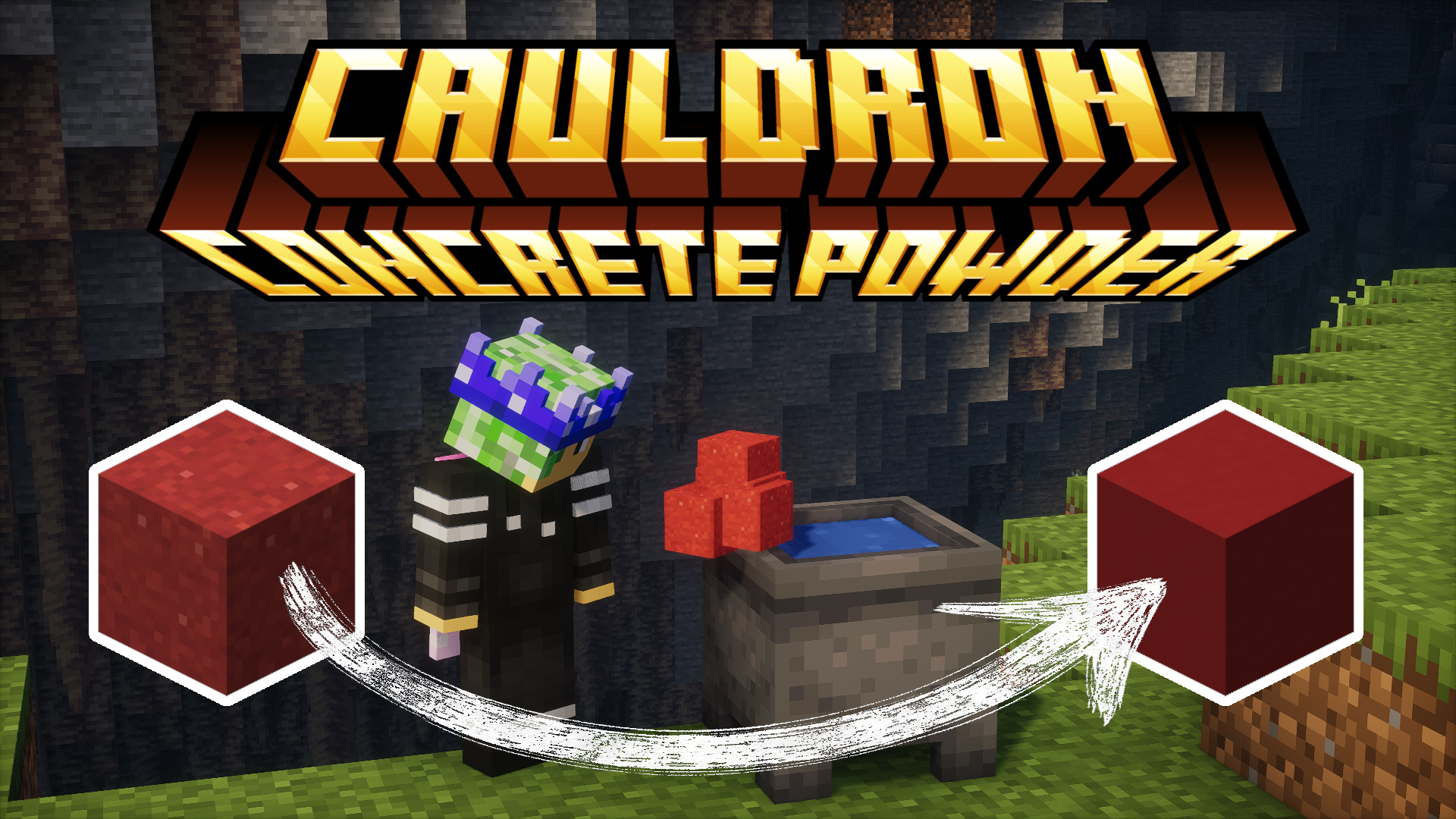
🧪 CauldronConcretePowder is a simple yet powerful Datapack that enhances your Minecraft experience
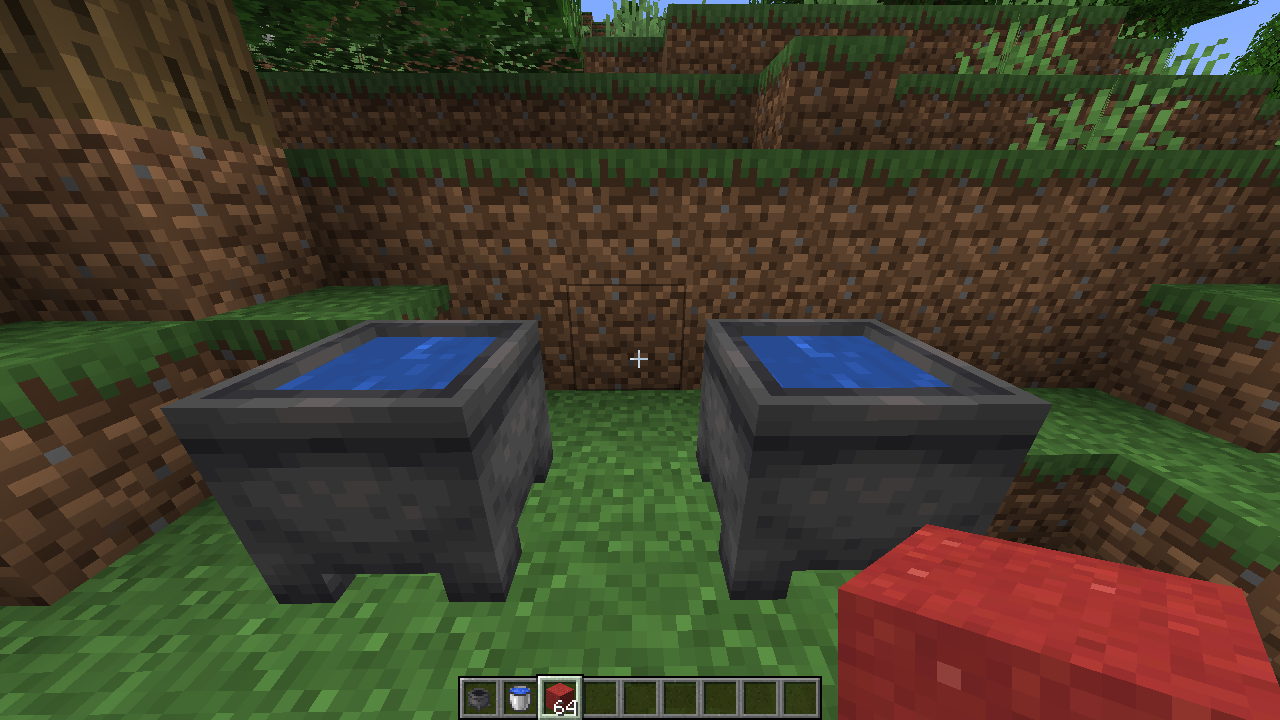
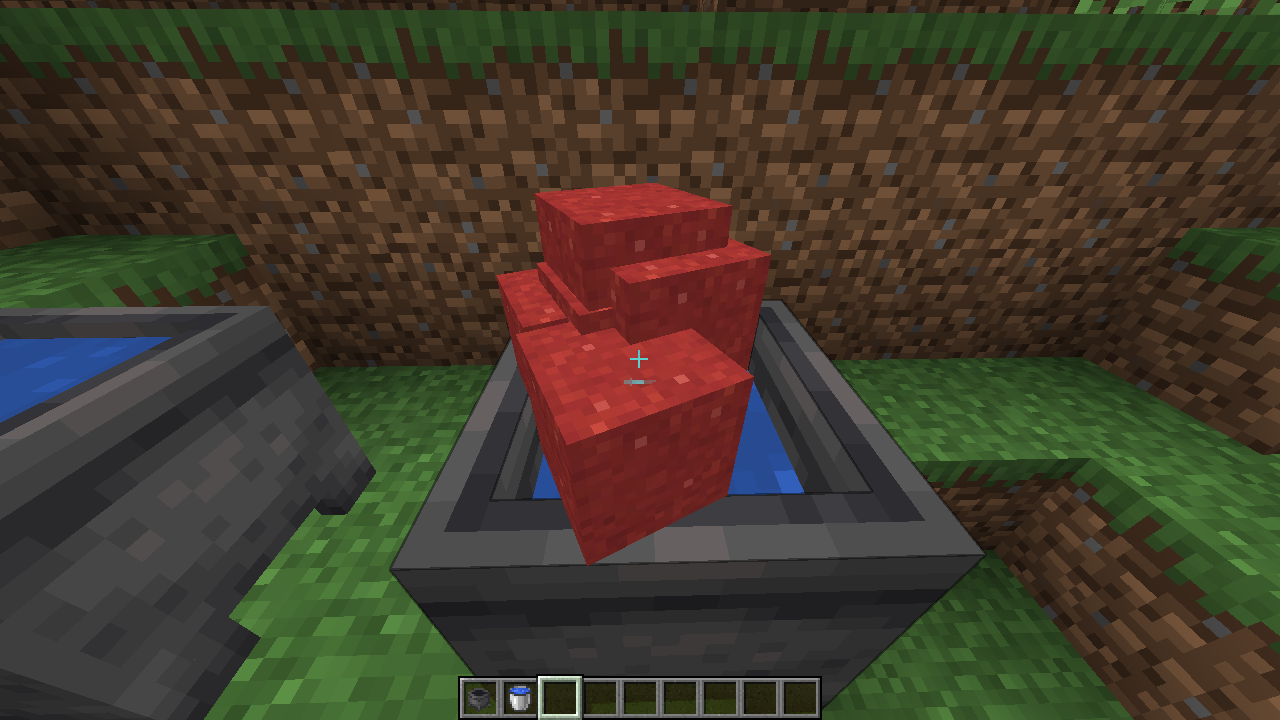
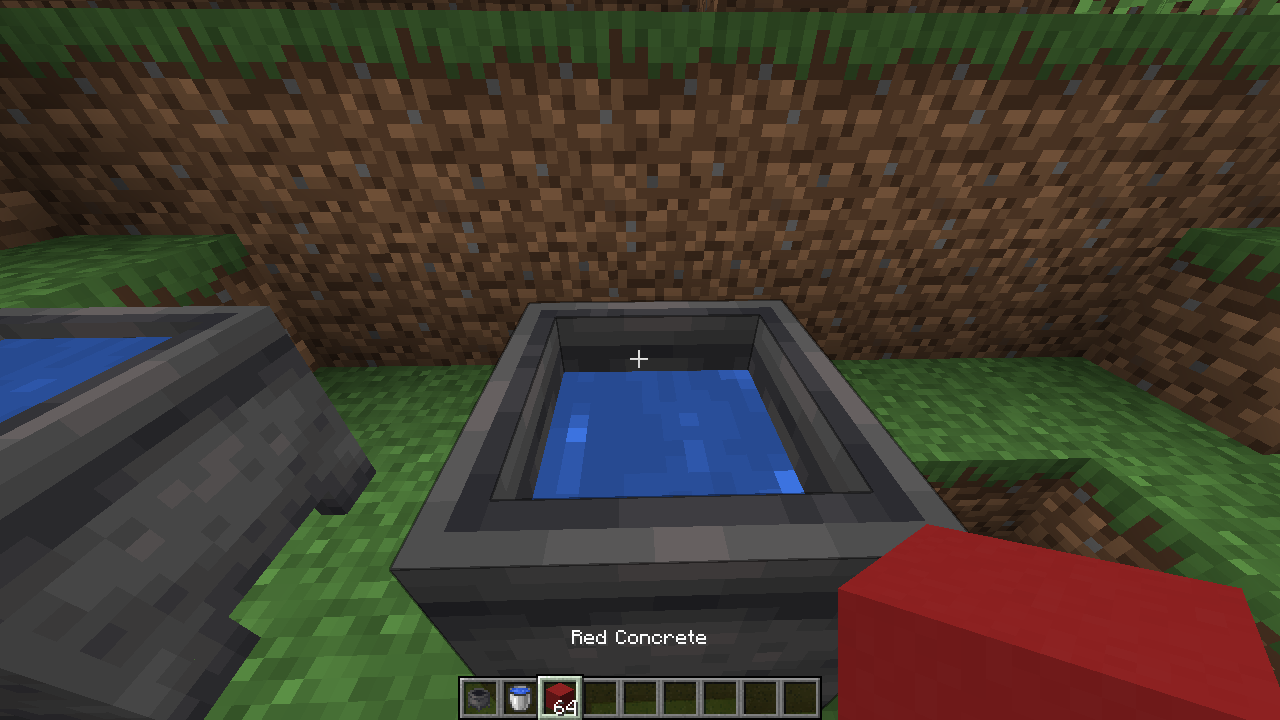
by allowing you to instantly transform concrete powder into hardened concrete by dropping it into water cauldrons!
No more tedious manual placement required.
⚡ This Datapack has been meticulously optimized for maximum performance and efficiency. Our benchmarks show it runs significantly faster than VanillaTweaks' equivalent solution.
💡 Originally created as a community request.
 |
 |
 |
|---|
🔧 Adding Custom Cauldron Recipes
CauldronConcretePowder uses function tags to allow other datapacks to easily add their own "cauldron recipes".
This means you can create custom items that transform when dropped into water cauldrons, just like concrete powder.
📋 How It Works
The dry_concrete function is called via the function tag #cauldron_concrete_powder:signals/dry_concrete.
When an item is dropped into a water cauldron, this tag is executed,
allowing multiple datapacks to add their own transformation logic.
Your custom function should:
- Check if the dropped item matches your custom "powder" item.
- If it matches, change the item to its "hardened" version.
- If the transformation is successful and the item count is 16 or more, call the
remove_waterfunction to reduce the cauldron's water level. - Reset any temporary scores.
📦 Creating a Custom Datapack
To add your own cauldron recipe, create a datapack with the following structure:
your_datapack/
├── 📦 pack.mcmeta
└── 📁 data/
    └── 📁 your_namespace/
        ├── 📁 functions/
        │   └── 📁 cauldron_concrete_powder/
        │       └── 📄 dry_concrete.mcfunction
        └── 📁 tags/
            └── 📁 functions/
                └── 📁 signals/
                    └── 📄 dry_concrete.json
- 🔄 Replace
your_namespacewith your datapack's namespace. - 📝 The
dry_concrete.mcfunctionshould contain your custom transformation logic. - 🏷️ The
dry_concrete.jsonshould define the function tag with your function:
{
  "values": [
    "your_namespace:cauldron_concrete_powder/dry_concrete"
  ]
}
You can download a template datapack from assets/function_tag_template.zip and modify it to fit your needs.
💡 Example Function
Here's an example of what your dry_concrete.mcfunction might look like:
#> your_namespace:cauldron_concrete_powder/dry_concrete
#
# @within #cauldron_concrete_powder:signals/dry_concrete
#

# Check for your custom powder and transform it
execute if score #success cauldron_concrete_powder.dropped matches 0 store success score #success cauldron_concrete_powder.dropped if items entity @s contents your_namespace:custom_powder run data modify entity @s Item.id set value "your_namespace:custom_hardened"

# If success and count >=16, remove water
execute if score #success cauldron_concrete_powder.dropped matches 1 store result score #count cauldron_concrete_powder.dropped run data get entity @s Item.count
execute if score #success cauldron_concrete_powder.dropped matches 1 if score #count cauldron_concrete_powder.dropped matches 16.. run function cauldron_concrete_powder:v1.4.0/remove_water

# Reset scores
scoreboard players reset #success cauldron_concrete_powder.dropped
scoreboard players reset #count cauldron_concrete_powder.dropped
Make sure to adjust the version in the remove_water call to match the current version of CauldronConcretePowder.
This allows for seamless integration and expansion of cauldron-based crafting!
🧵 For Fabric Mod Developers
Fabric mods can also add custom cauldron recipes by including datapack-compatible files in their mod's src/main/resources/data/ folder. Use the same structure as above, placing your custom dry_concrete.mcfunction and the function tag JSON in the appropriate directories. This way, your mod can extend the cauldron transformation system without conflicting with other datapacks or mods.
For example, your mod's resources might include:
src/main/resources/data/
└── 📁 your_mod_namespace/
    ├── 📁 functions/
    │   └── 📁 cauldron_concrete_powder/
    │       └── 📄 dry_concrete.mcfunction
    └── 📁 tags/
        └── 📁 functions/
            └── 📁 signals/
                └── 📄 dry_concrete.json